No technical knowledge needed
Choose the answers that sound closest. The builder will select the cleanup tasks, keep risky options switched off unless they are useful, and generate a script you can review before running.
Utility Shelf
Answer a few simple questions, then create a recommended cleaning script matched to the computer and how it is used.
System health
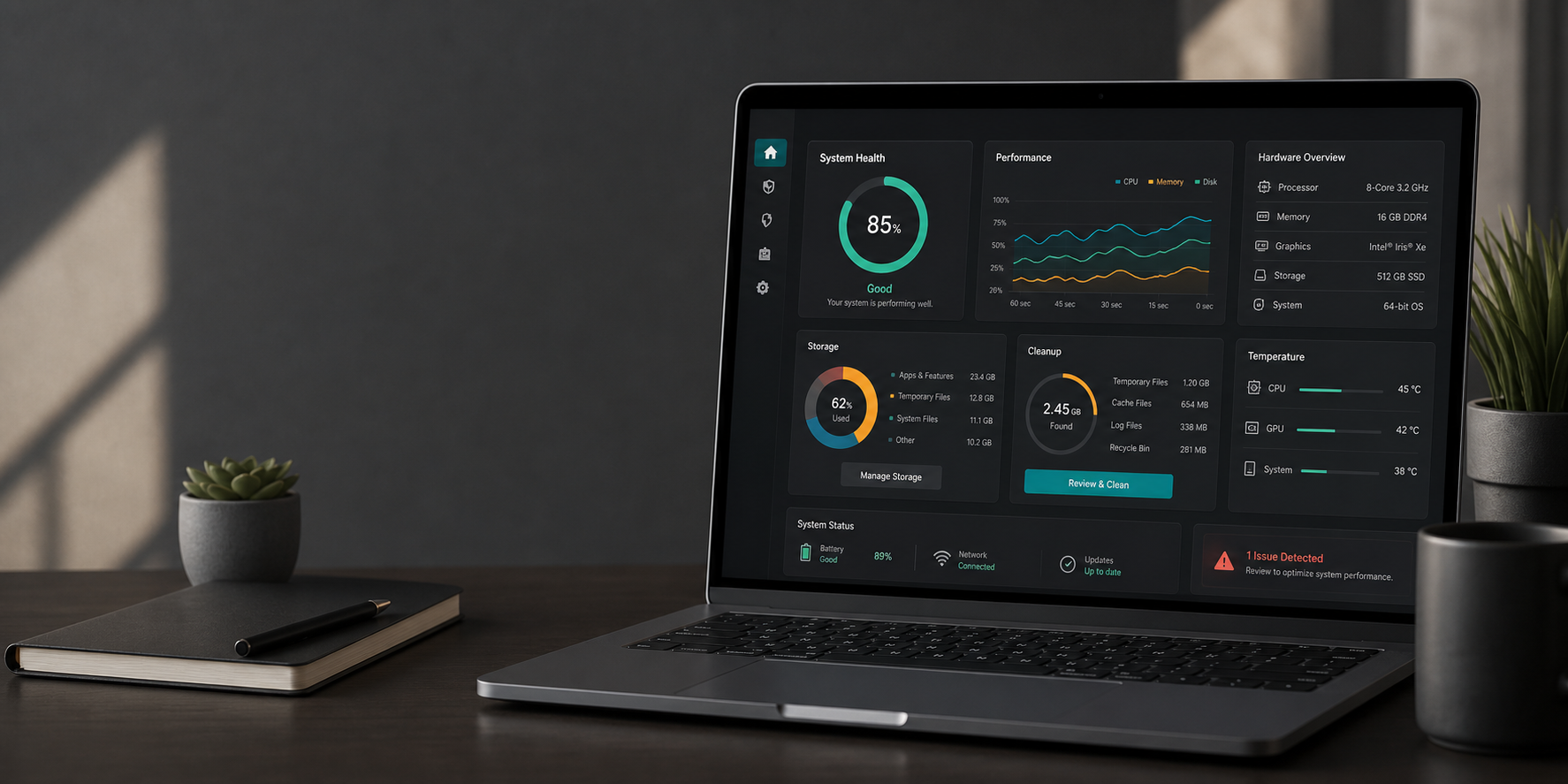
85% ready means the selected cleanup is low risk, previews changes first, and avoids advanced Windows changes.
Storage
Based on a typical 512 GB Windows system drive.
Upgrade guidance
Guided setup
Choose the answers that sound closest. The builder will select the cleanup tasks, keep risky options switched off unless they are useful, and generate a script you can review before running.
Use the questions to set intent, then inspect the selected tasks below. Maximum storage mode can add component cleanup, hibernation removal, and Reserved Storage reduction. Those admin-level actions are generated in preview mode first and should be run only after reading the script.
This only reads basic browser-provided hints such as operating system, CPU thread count, memory hint, browser storage estimate, graphics hint, and browser name. It cannot see personal files, installed programs, passwords, documents, or full hardware details.
Scan not run yet.
To give more accurate recommendations, this helper can read hardware and performance details. It will not read personal files, documents, passwords, or browsing history.
No diagnostic report added.
Cleanup
Builder
Current recommendation: safe cleanup, dry run first, no advanced Windows changes.
Operations
Generated output
Browsers often warn when downloading script files such as PowerShell, batch, or shell scripts because those files can make changes to a computer. That warning is normal and sensible, even when the script was generated locally on this page.
If you feel unsure, you do not have to download it. Use Copy instead, read the code, and create the file yourself. If you copy the script text, this tool can guide you through saving it manually step by step.
Answer the questions, then create a recommended script.